Background Remover
Cut out the subject, then keep it transparent or put it somewhere new.
Background image
Your own background picture: not in the demo preview.
Output
The subject is cut out and everything around it is left transparent. Saved as PNG, ready for any background.
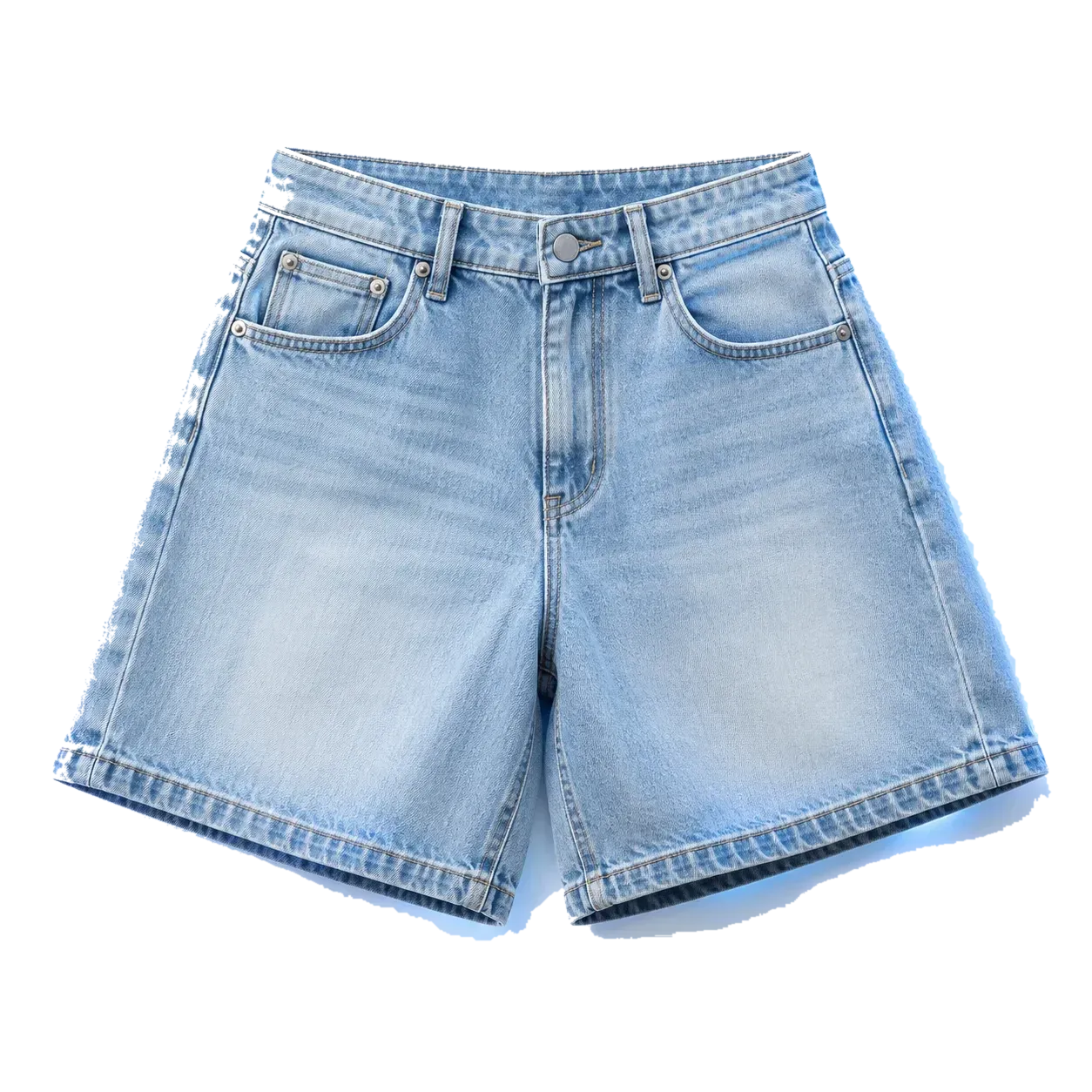
Add an image first: drop a file, or use Try a sample.
Demo preview · nothing is generated, no credits are charged.
Cut out your product in one click
Drop in a photo, choose Transparent or describe a new background, press Generate.
- Select a photo or drag it hereJPG or PNGDrop in a product photo
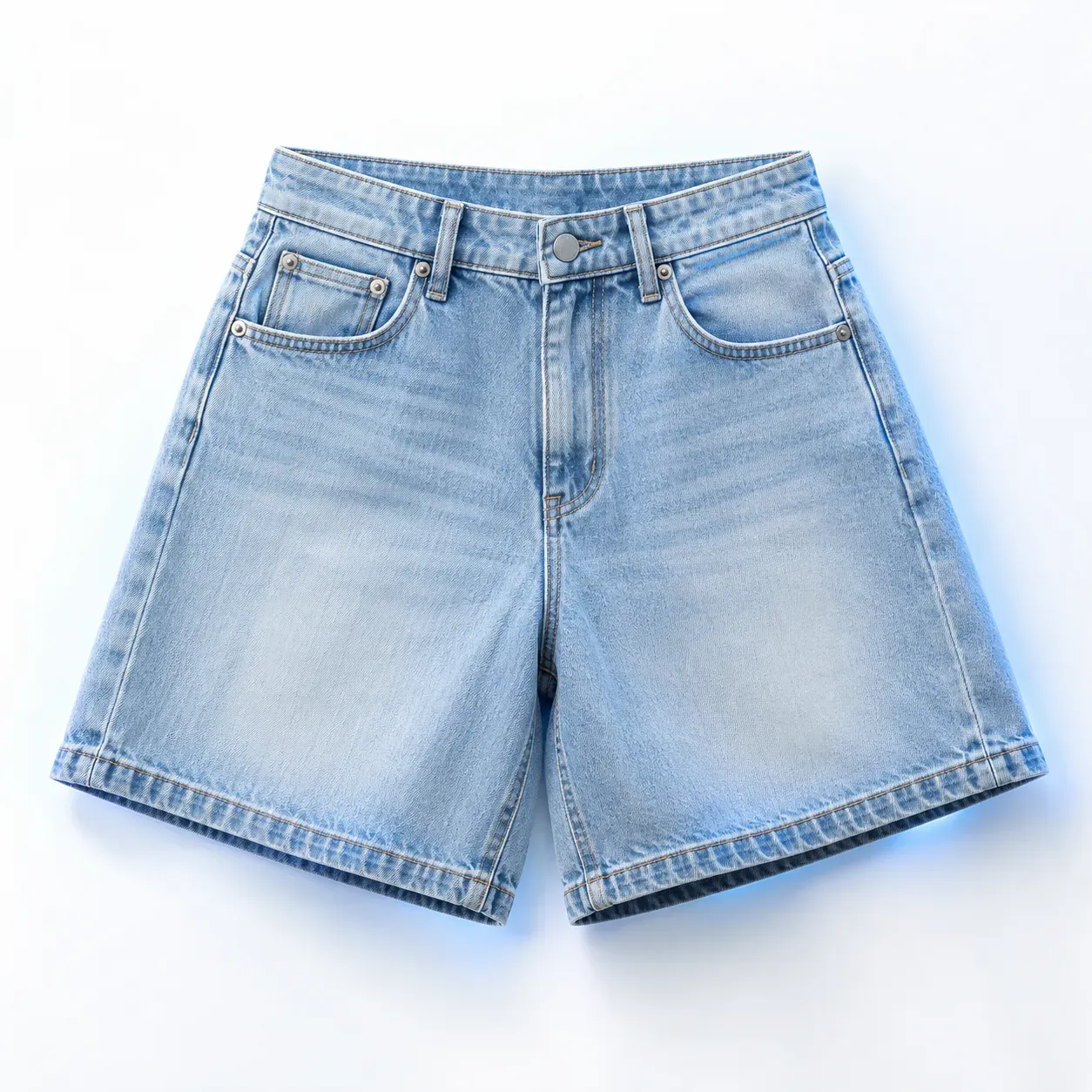
Any background: we find the product.
- Transparent, or a new background
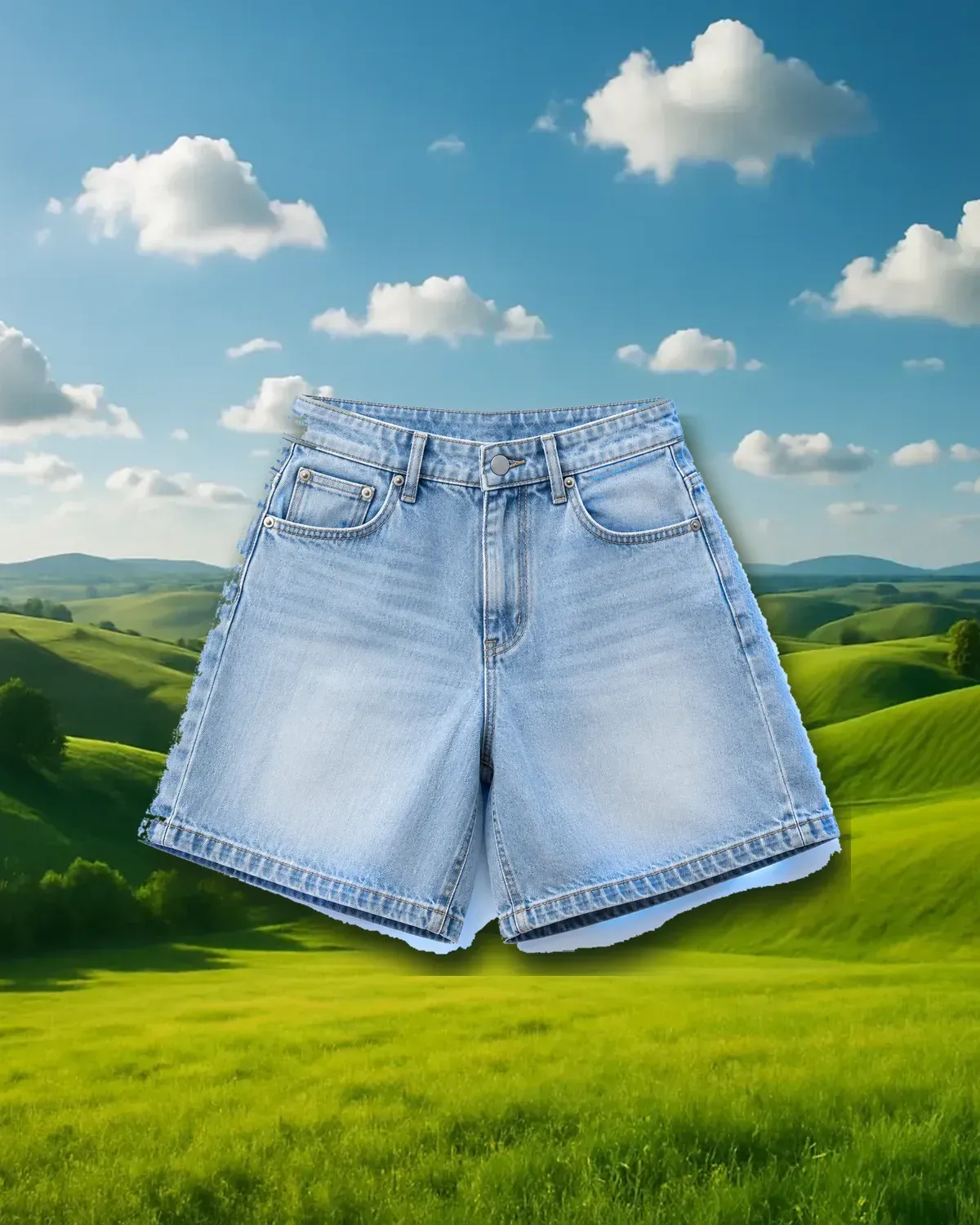
Sunny meadow with rolling green hills and a blue sky with soft clouds
TransparentReplaceKeep it see-through, or describe a new scene.
- Get the cut-out
A clean PNG, or the product in its new scene.
Drag the edges to make the canvas bigger. Your Creative Prompt describes what fills the new space.
Demo preview: showing a sample…